Android and Windows apps are coming soon.Pre-register

A real Android phone that never sleeps.

Leave your apps running around the clock, spin up more whenever you need them, and pick any of them up from wherever you are. The apps are nearly ready.

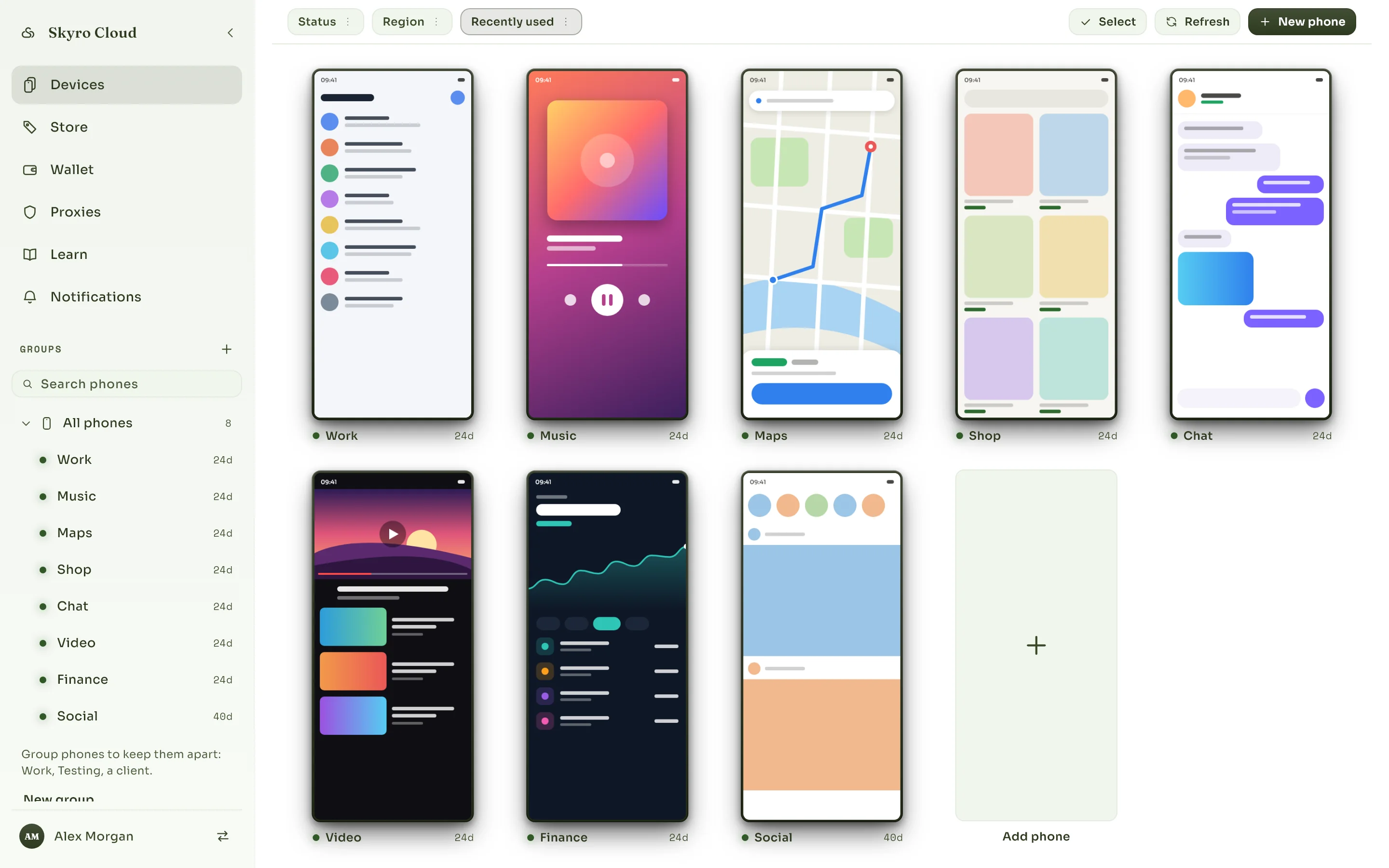
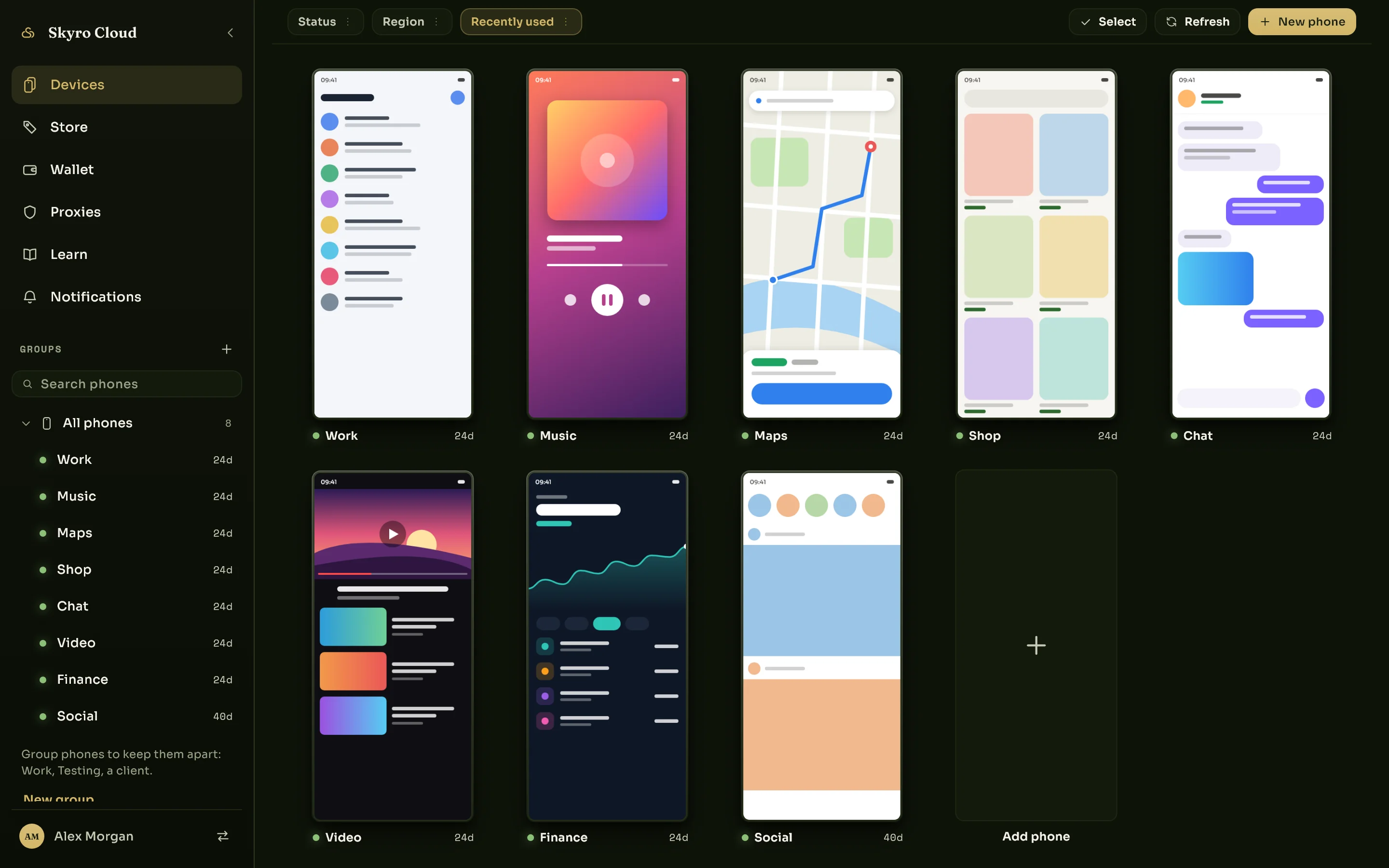
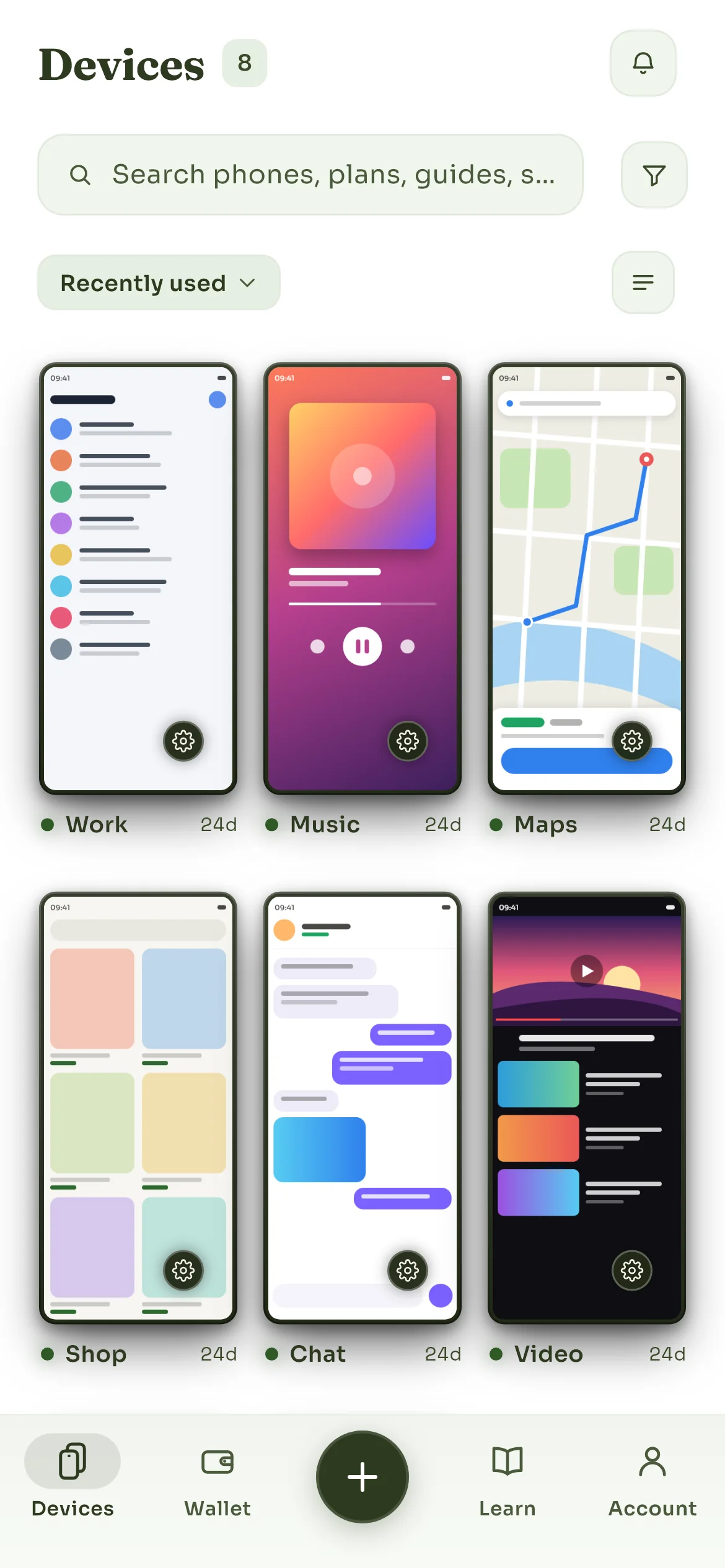
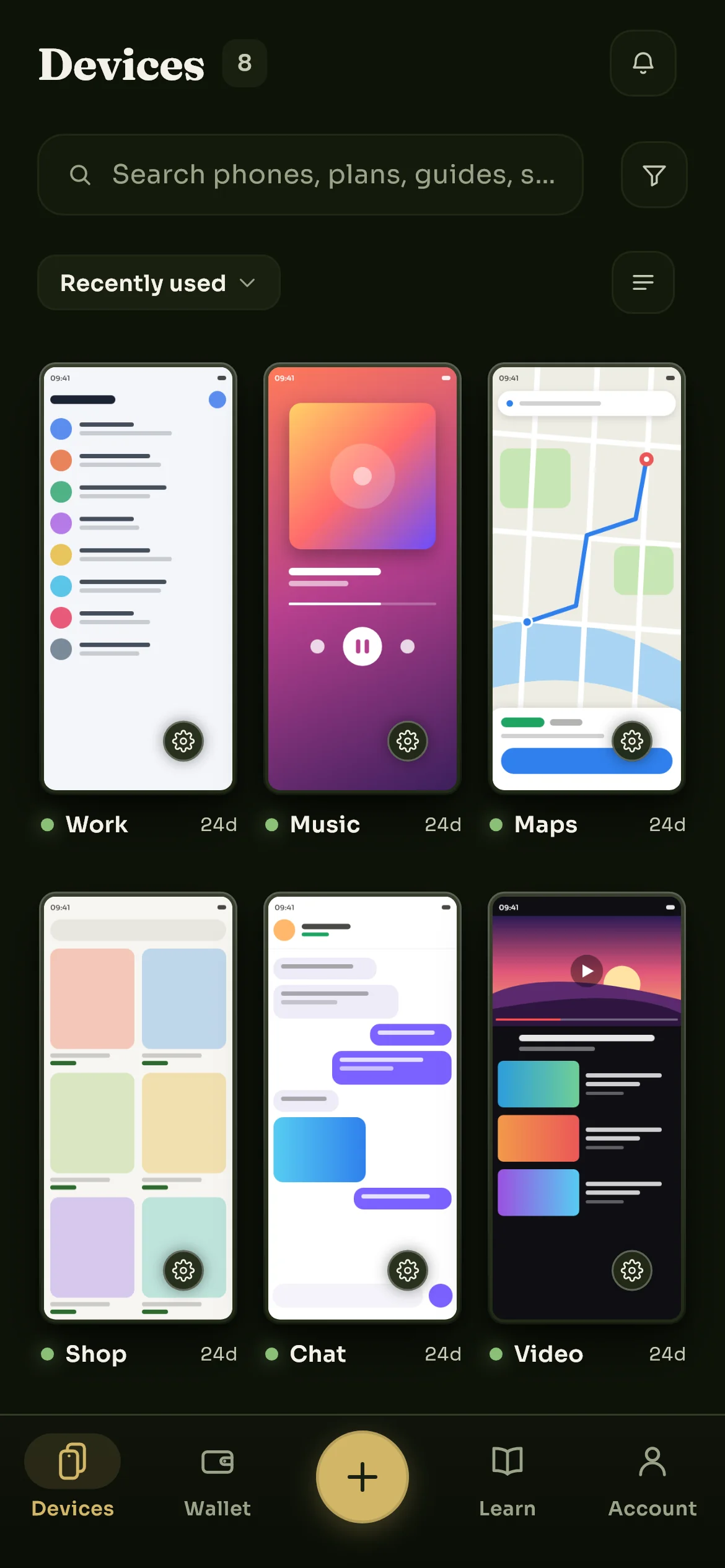
The Skyro Cloud app showing three cloud phones, one online and one still being provisioned at 62 per cent, and a tile for adding another.The Skyro Cloud app showing three cloud phones, one online and one still being provisioned at 62 per cent, and a tile for adding another.

What it does

Everything a phone does, without the phone in your pocket.

It is not a simulator or a stripped-down runtime. It is Android, running on our hardware, doing whatever you would do on a handset.

Leave it running while you get on with your life

Close the app, shut the laptop, go to sleep. Your phone keeps going: downloads finish, apps stay logged in, whatever you left running is still running when you come back. Nothing drains, nothing overheats, nothing needs charging.

Still working at 4am

Run several at once, side by side

One phone per account, per game, per client, per test. They run independently and none of them can see the others, so what happens on one stays on one. Add another whenever you need it and let it go when you do not.

OnlineOnlineStarting

Pick it up from anything with a screen

Open it and the phone is right there: tap, type, scroll, drag, rotate. Touch lands in well under a second, so it feels like a device in your hand rather than a video of one. Close the tab and it carries on without you.

One phone, whichever screen is nearest

Move things on and off it

Drop files onto the phone, pull them back, install an APK, grab a screenshot, share the clipboard. It behaves like a device you own, because for as long as you rent it, it is one.

TransfersAPKOnto the phone, and back off it

Who it is for

People who need a phone to keep going without them.

Not one kind of person. The thing they share is a phone that has to be somewhere they are not.

Games that never stop
Idle games, dailies, and anything that punishes you for sleeping. Leave it running and collect later.
Accounts kept apart
A separate phone per account or per client, each isolated, none of them touching your own handset.
Testing on real Android
Android 14 or 15 on demand, with root available, for trying a build on something that is not your daily phone.

How it works

Three steps, then it is yours.

There is no setup on your side. You choose, we build, you use.

  1. Pick a phone

    Choose how much power it has, which Android it runs and how long you want it for. A day is fine. So is a year.

  2. Wait a few minutes

    We build it, boot it and hand it over with the Play Store already on it. You watch the progress and it tells you when it is ready.

  3. Use it like a phone

    Install what you like, sign in where you like, leave it running. Come back to it from any screen you happen to have.

Downloads

Almost ready for your devices.

Android and Windows are in testing now. Mac and iPhone follow, and every one of them opens the same phones from the same account.

In testing

Android

The first app, with testers now. A phone inside the phone you already carry.

Get early access

In testing

Windows

Several phones on one big screen, for when you are running more than a couple.

Get early access

Coming

Mac

The same desktop app, built for macOS, once Windows has settled down.

We will say when.

Coming

iPhone

An iOS app, after Android. Same account, same phones, same everything.

We will say when.

Nearly there.

The Android app is in testing and Windows is close behind. When they land, a phone takes minutes to set up and you can keep it for a day or a year.